Book aircraft in seconds, not phone calls.
Volanti gives your operation one live diary for aircraft, instructors and rooms, with conflict detection on every booking and a waiting list that refills cancellations automatically.
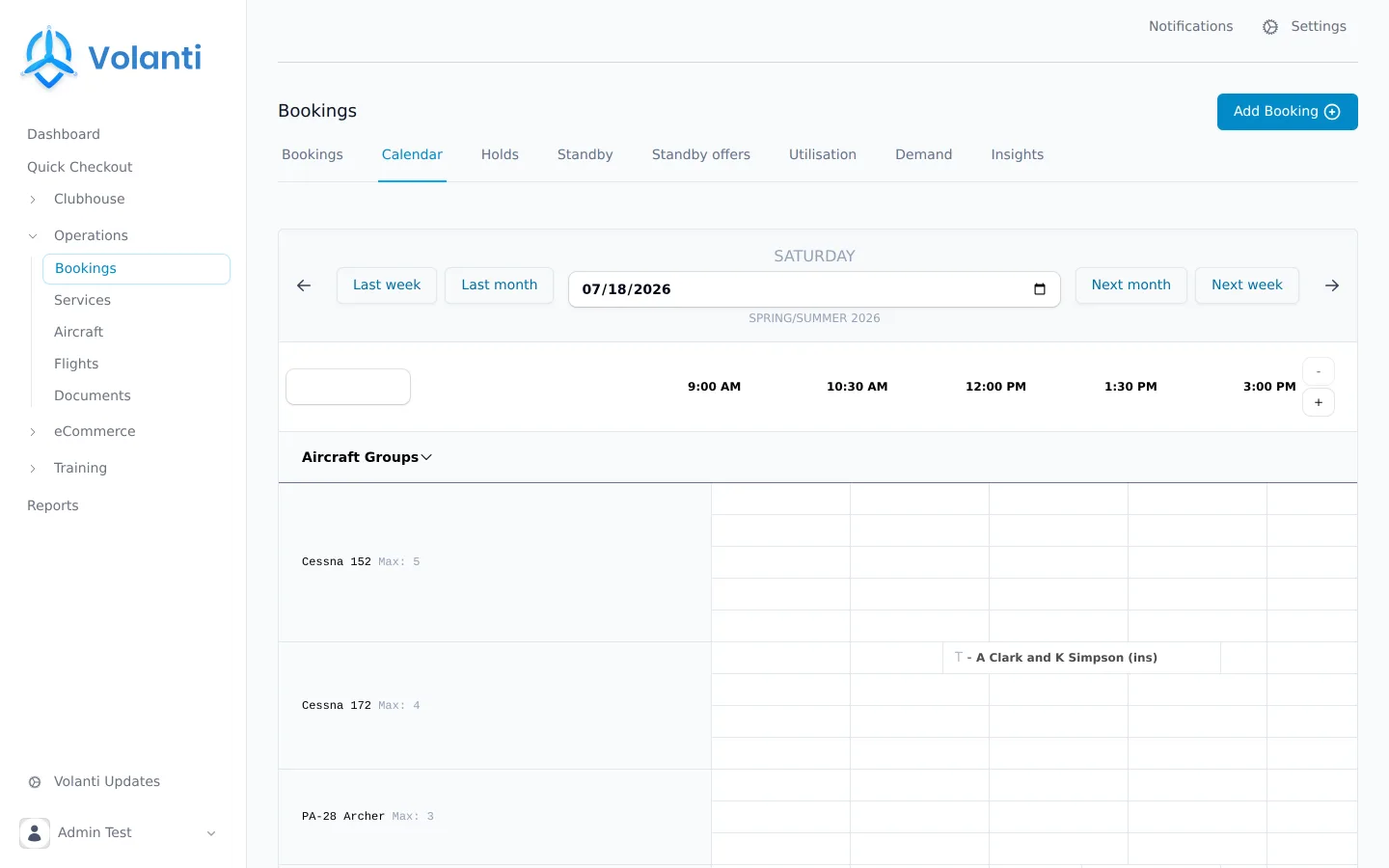
Cancellations refill themselves.
When a slot frees up, Volanti offers it to the waiting list automatically. No one at the club has to make a call.
-
1
A booking is cancelled
The slot opens, and Volanti already knows who wants it. Members join the waiting list from the pilot portal with the times and aircraft they are after.
-
2
The best match receives a time-limited offer
Ranked first-in-first-out or by best match, set per booking type. The offer arrives by email with a signed link to accept or decline in one tap.
-
3
Unanswered offers cascade
Offers expire on their own and move to the next member on the list. No manual chasing, and the same rules apply to everyone.
-
4
The aircraft flies
Accepted offers become bookings, auto-approved if you allow it. The slot is filled without anyone at the club lifting a finger.
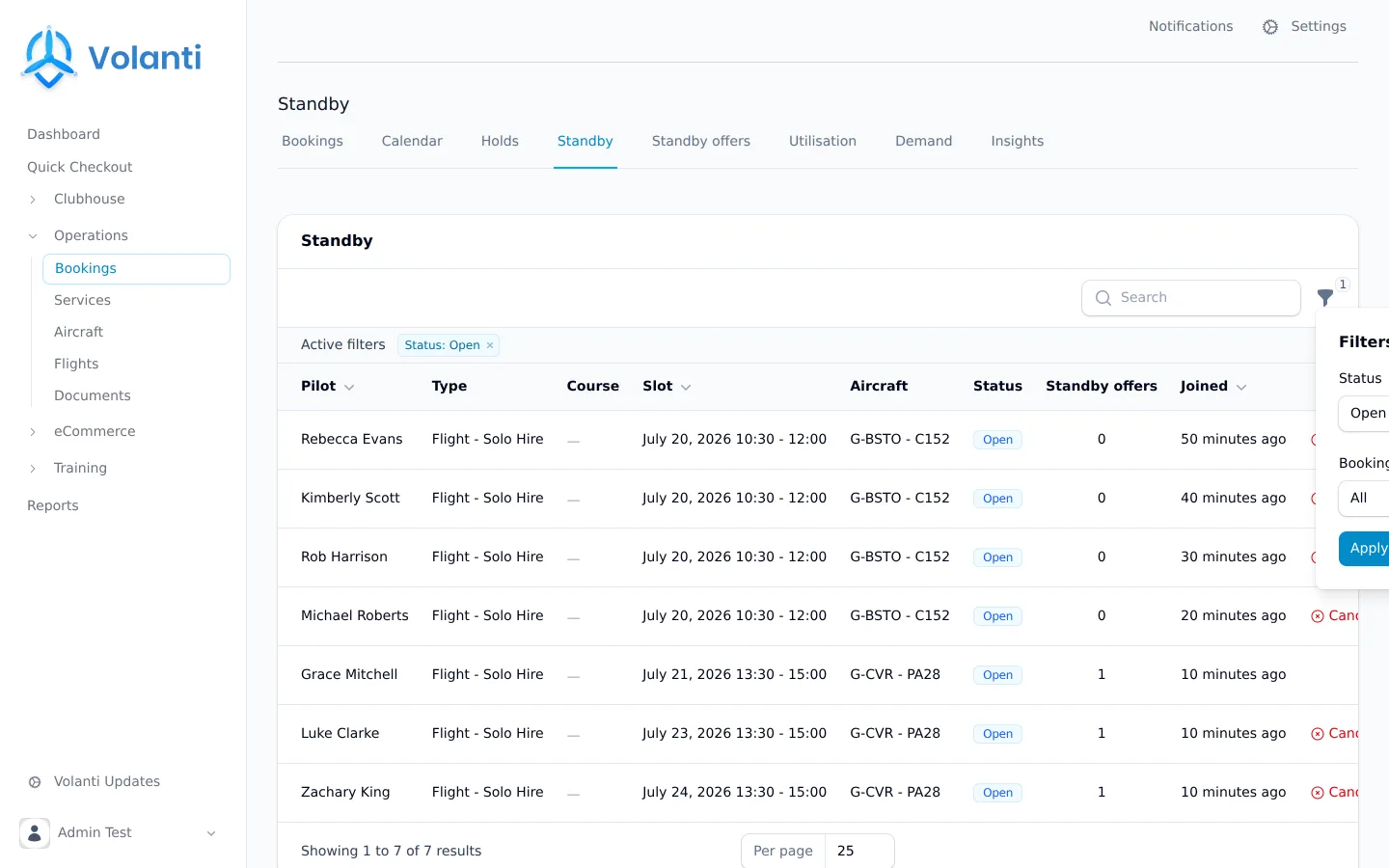
Ground an aircraft once, for everyone.
Cancel a booking for weather or a technical snag and Volanti holds the aircraft, or the instructor, for every member and every staff login, for as long as you specify. No one books into a slot that was never going to fly.
Structured reasons
Weather, technical or out-of-hours: every cancellation records a reason, so your records show why a day was lost, not just that it was.
Holds protect the diary
A grounded aircraft is blocked for everyone until you release it, so no optimistic bookings land on an aircraft that is out of service.
The waiting list re-runs
Release the hold and the waiting list runs again automatically, so a recovered day starts filling back up straight away.
Turn unmet demand into flying hours.
When members want a lesson that no instructor currently covers, Volanti emails available instructors the demand they could pick up. They open availability, and the waiting list fills the slots.
- Standby digests emailed to instructors with claimable demand
- Instructors publish and adjust their own availability
- Bookings validate that availability covers the whole slot
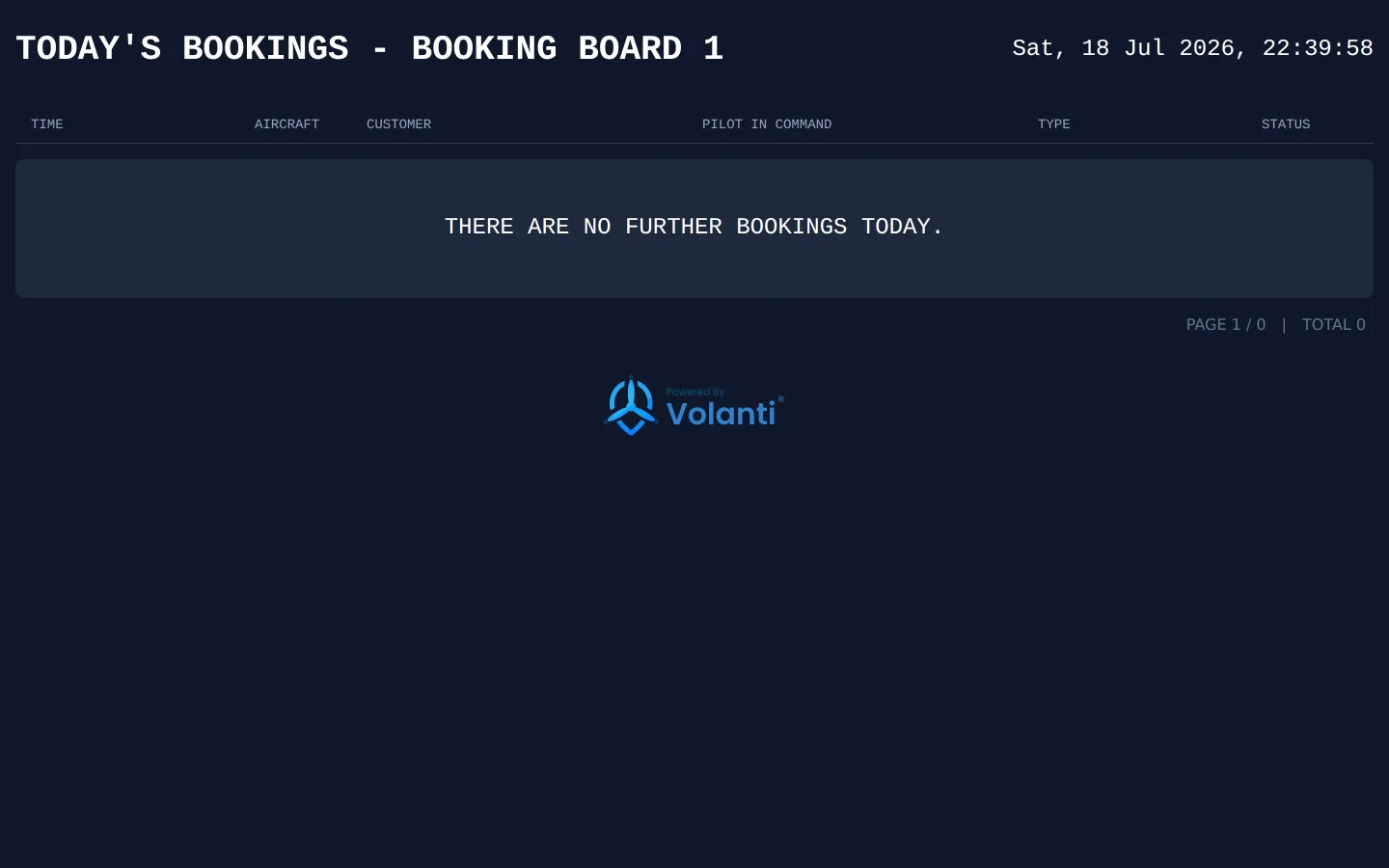
Live booking boards
Show the day's flying on any screen in the clubhouse through a signed public link: auto-refreshing, and filtered to the booking types and statuses you choose.
Bookings in every calendar
Members and instructors subscribe to a personal iCal feed, so their club bookings appear in Google, Apple and Outlook calendars alongside everything else.
The right people book the right aircraft.
More than 16 restriction rule types decide who can book what, before the booking is ever made. The rules are applied automatically, so your desk staff never have to.
Currency is enforced at the point of booking. A member who lacks the recent hours your rules require cannot take the aircraft, and the booking screen explains exactly why.
Every booking has a full lifecycle.
Requested, approved, confirmed, reminded, checked in, completed. Late arrivals and no-shows are recorded accurately, so patterns show up in your data rather than in hearsay.
- Optional approval workflow per booking type
- Automatic confirmations, reminders and cancellation notices
- Check-in at the desk, with late and no-show marking
- Cancellation-notice cutoffs you set per schedule
See the demand you are turning away.
Members save booking searches and are alerted when availability appears. Every search that finds nothing is recorded, so you know which aircraft to add and which days to open, backed by data.
- Saved availability alerts for members
- Unmet-demand capture from every empty search
- Demand, utilisation and insights heatmaps
- Recurring schedules generate your bookable slots
Ready to get started?
Bring one aircraft or the whole fleet. We will set the diary up with you, and your members can book the same week.